Websites that look
designed, not generated.
Web Design Studio is a Claude extension that makes websites the way a design studio does. It asks what you need, starts from a real design system, builds the page, then opens it in a browser and checks it at every screen size before you see it.
YouUse Web Design Studio to make a landing page for my bakery
- Asked four questions: the job, the look, references, what to deliver
- Matched three looks from 84 design systems
- Drew each section as an image first, then built it to match
- Opened it in Chrome as a phone, tablet, laptop and desktop
- Checked contrast, tap targets, sideways scroll and keyboard focus
- Audited the code against Vercel's interface guidelines
Your page is ready, checked on four screens.
84 design systems
261 motion pieces
4 screen sizes checked
₹199 once, updates free for life
One request.
Five steps.
Claude follows the same order every time, so the page is planned before it's built and checked before it's shown.
Ask
Up to four questions: what the page is for, the look you want, any references, and what you need back.
Pick
Three looks to choose from, each a full design system with its palette, fonts, type scale and spacing.
Draw
Sections are designed as images first and studied, so the build has a target to match.
Build
Real code from the chosen system's tokens, motion only where it helps, audited against Vercel's interface guidelines with file and line.
Check
The page opens in your browser at four sizes, light, dark and with motion turned off, and gets probed before Claude calls it done.
It checks its
own work.
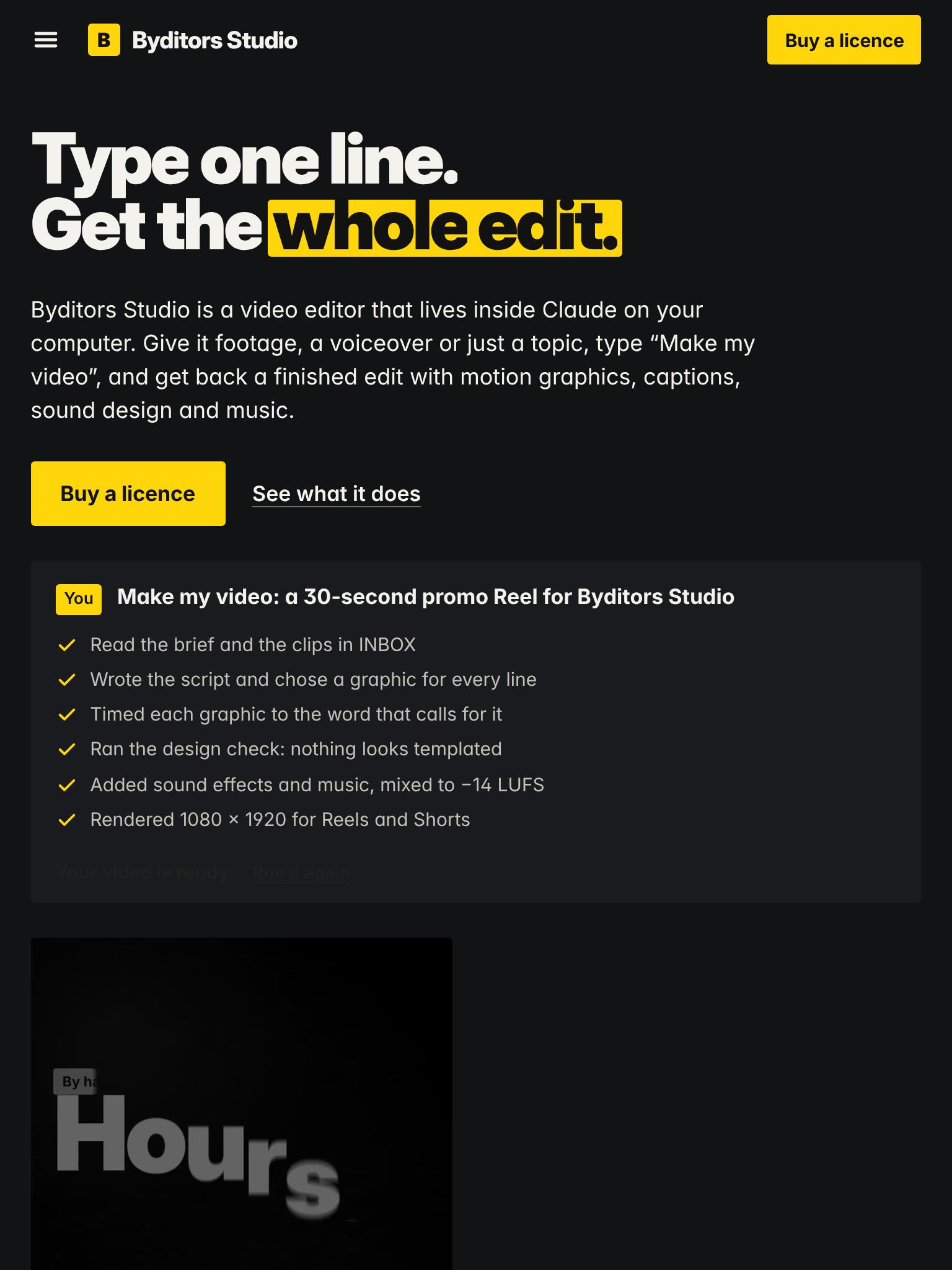
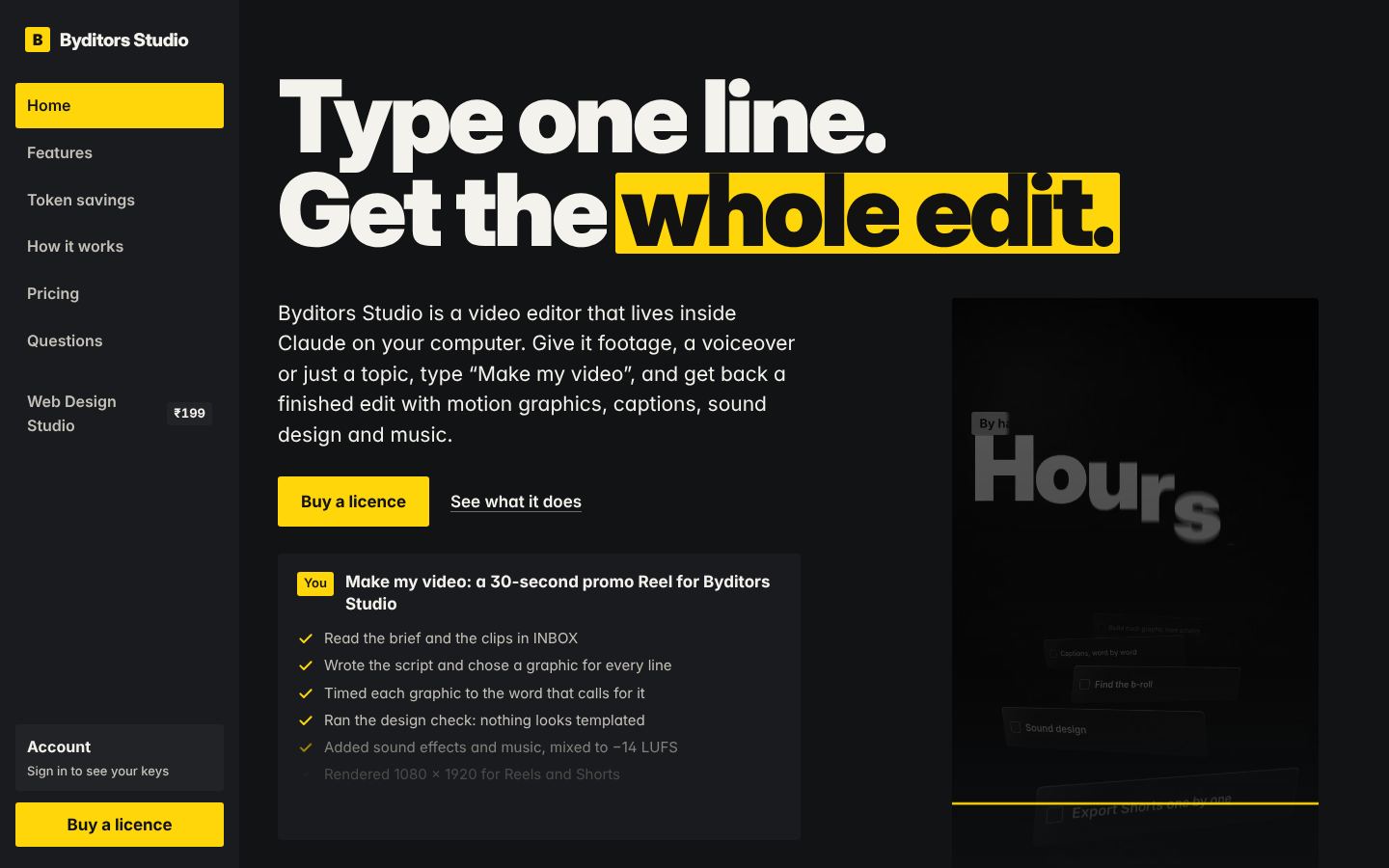
Most AI pages ship the first draft. Web Design Studio opens the page in your own Chrome or Edge, screenshots it at each size and probes the layout. Claude compares the screenshots with the design and fixes what's off. Here's that pass on the page you're reading.
What the probe looks for
- Sideways scrolling on phones
- Text too faint against its background
- Buttons and links too small for a thumb
- Headlines that wrap into one stray word
- The main button pushed below the first screen
- Cards stacked inside cards
- Keyboard focus you can see, in a sensible order
- Animation and 3D that ignore a visitor's reduced-motion setting
What's in
the studio.
Eight open-source projects merged into one extension and tuned to work together: VoltAgent's design systems, an image-to-code workflow, Vercel's guidelines, Microsoft's Playwright, and Lenis, GSAP, Vanta and React Bits for motion.
84 looks to start from.
Design systems analysed from well-known product sites: palette, fonts, type scale, radii and spacing. Search them by mood, industry, colour or type.
Measure any site you like.
Point it at a live website and it writes that site's design language into a reusable DESIGN.md, with a screenshot.
Tokens, ready to paste.
CSS variables and type classes from any design system, with an accent borrowed from a second one if you want.
Picture first, code second.
Each section is designed as an image and studied before it's coded, so the page matches what you approved.
Motion that's wired right.
Smooth scroll, scroll scenes, text reveals and 3D backgrounds from Lenis, GSAP, Vanta and React Bits: 261 pieces combined into one setup with a single animation loop, reduced motion respected, and backgrounds that only run while they're on screen.
An audit with line numbers.
Your code is checked against Vercel's Web Interface Guidelines for accessibility, forms, motion, performance and copy, plus a pass for the tells that make pages look AI-made and for animation that's wired wrong.
No API keys, no sign-up.
It runs on your computer with the Chrome or Edge you already have. Screenshots and measured systems save to a folder you choose.
Pay once.
Keep every update.
One payment of ₹199. There's no licence key and no subscription: you get a private download link that always serves the newest version.
- All 12 tools, 84 design systems and 261 motion pieces
- One-click install as a Claude extension, on Windows, Mac and Linux
- Every future version free, from the same link
- Download it again any time from your account
- Help by email from the Byditors team
It's yours.
Download Web Design Studio (4 MB, Claude extension)Keep the email we sent: its link always gives you the newest version. Your account has it too.
Questions.
Do I need a licence key?
No. Web Design Studio is a one-time purchase. After you pay you get a download link, and that's all you need: install it and use it.
How do updates work?
Your download link always serves the newest version, and updates are free for life. Download it again and double-click the file; Claude installs it over the old one.
What do I need to run it?
The Claude desktop app and Google Chrome or Microsoft Edge, on Windows, macOS or Linux. No API keys. It also works in Claude Code and other apps that run MCP servers; the download includes setup notes.
Can it add animation and 3D?
Yes. Version 1.1 adds smooth scroll, scroll scenes, text reveals, 3D backgrounds and animated React components, built from Lenis, GSAP, Vanta and React Bits. It only adds motion when you ask for it, and it keeps pages readable for visitors who turn motion off.
Those libraries install into your website from their official sources under their own licences: GSAP is free on any website, and React Bits components are free to use in your site but can't be resold on their own.
Do I need Byditors Studio for this?
No. They're separate products. Byditors Studio edits videos; Web Design Studio designs and checks websites. Each works on its own.
Will it copy other companies' websites?
No. The design systems describe design language: colour, type, spacing and layout habits. Use them for that, never for another company's logo, name, photos or copy.
I lost my download link.
Sign in to your account to download it, or enter the email you bought with and we'll send the link again.
Can I get a refund?
If it won't install or run on a computer that meets the requirements and we can't fix it with you, yes, within 7 days. See the refund policy.
Your next site,
checked before you see it.
₹199 once. No key, no subscription, every update free.
Buy Web Design Studio